
Install Fahrklar as an app: iPhone and Android in one minute
Fahrklar is a Progressive Web App: you install Fahrklar straight from the browser onto your phone's home screen, without an app store and without a download. After that, Fahrklar launches full screen like a regular app.
There is no separate Fahrklar app in the App Store or on Google Play. The installed web app is the same application as in the browser, with your account, your tours and your plan.
- Installation
- Via the browser, no app store
- Devices
- iPhone and iPad (Safari), Android (Chrome), computer (Chrome, Edge)
- Cost
- No extra cost, your plans apply, Basic is free
Many riders check their tour on the computer in the evening and again on the phone in the morning. With Fahrklar on the home screen, the planned route is one tap away, without bookmarks and without a detour via the login.
How do I install Fahrklar on an iPhone?
Via Safari and the "Add to Home Screen" function.
- Open fahrklar.net in Safari and sign in.
- Tap the share icon at the bottom, the square with the arrow pointing up.
- Choose "Add to Home Screen". If the entry is missing, scroll down the list a little.
- Confirm with "Add". The Fahrklar icon appears on your home screen.
How do I install Fahrklar on an Android phone?
Via Chrome and the "Install app" menu item.
- Open fahrklar.net in Chrome and sign in.
- Tap the three-dot menu at the top right.
- Choose "Install app" or "Add to Home screen".
- Confirm the installation. Fahrklar then appears among your apps.
What does Fahrklar look like on a phone?
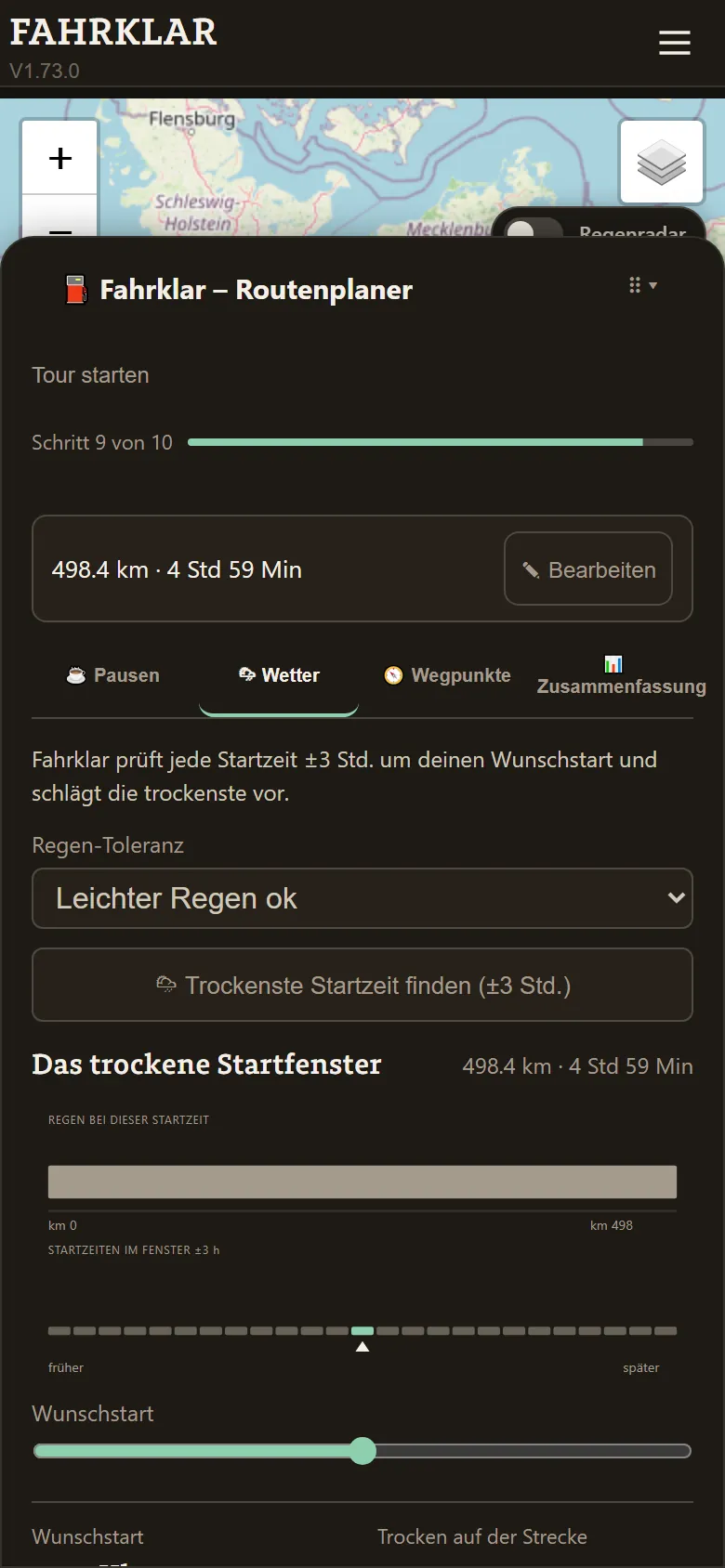
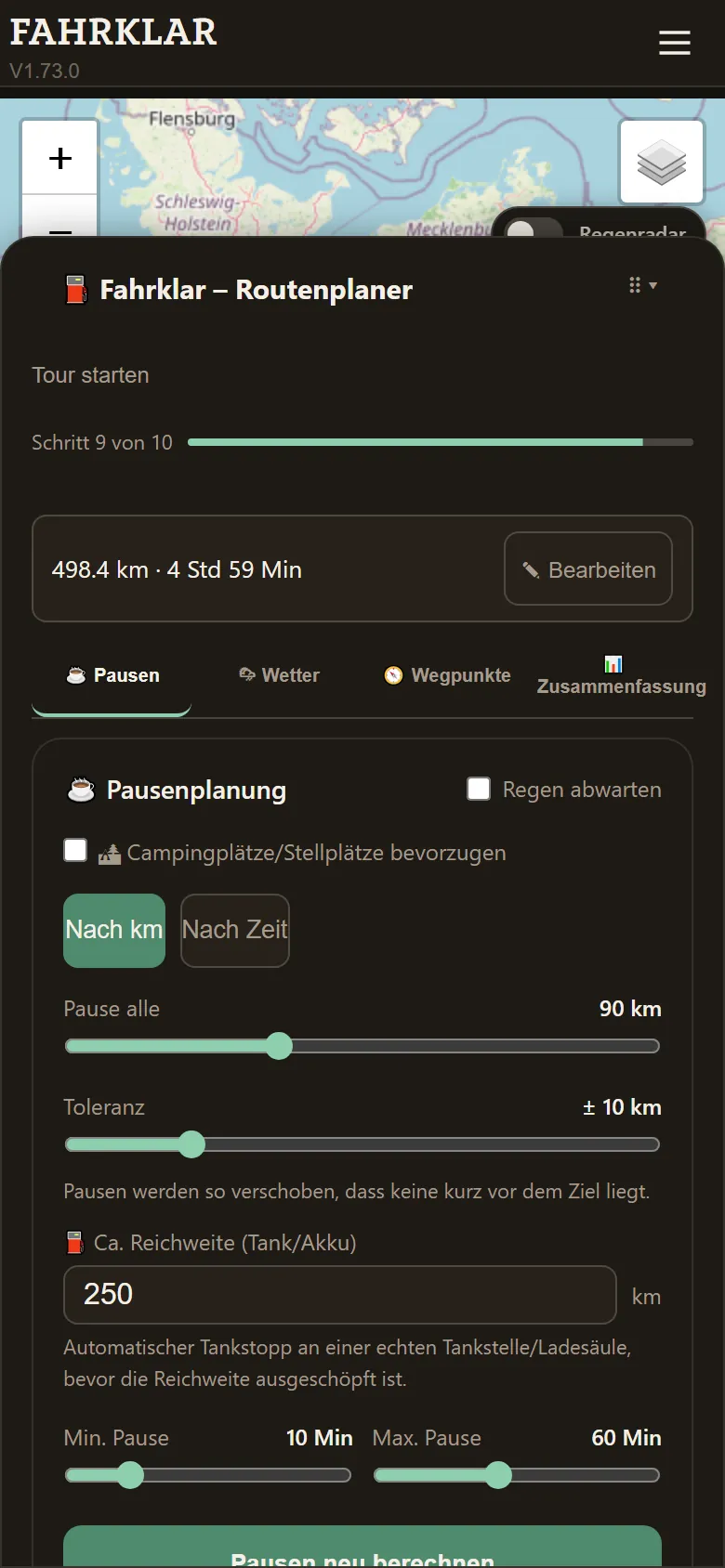
The route planner runs as a panel above the map. Weather, breaks, waypoints and summary are available via tabs, and the map stays visible in the background. The screenshots come from Fahrklar's test environment and show the German interface.
Does the Fahrklar app work without internet?
Partly. The map interface and the most recently loaded data are available offline. A full offline map download for entire regions is not included, and new weather data needs an internet connection.
Try it yourself: enter start and destination and see where your route gets wet.
Check my routeQuestions about this topic
Do I have to download Fahrklar from the App Store?
No. Fahrklar is a Progressive Web App and is added to the home screen straight from the browser. There is no separate Fahrklar app in the App Store or on Google Play.
Does the Fahrklar app cost extra?
No. The installed app is the same application as in the browser. Your plans apply, and the Basic plan is free forever.
Do I get push notifications with the app?
Yes. Under Settings, in the Notifications section, you switch on push notifications. On iPhone this works once Fahrklar has been added to the home screen.
Keep reading